
AI Digital Human Display Footprint Sizing: Mounting, Power and Enclosure Engineering
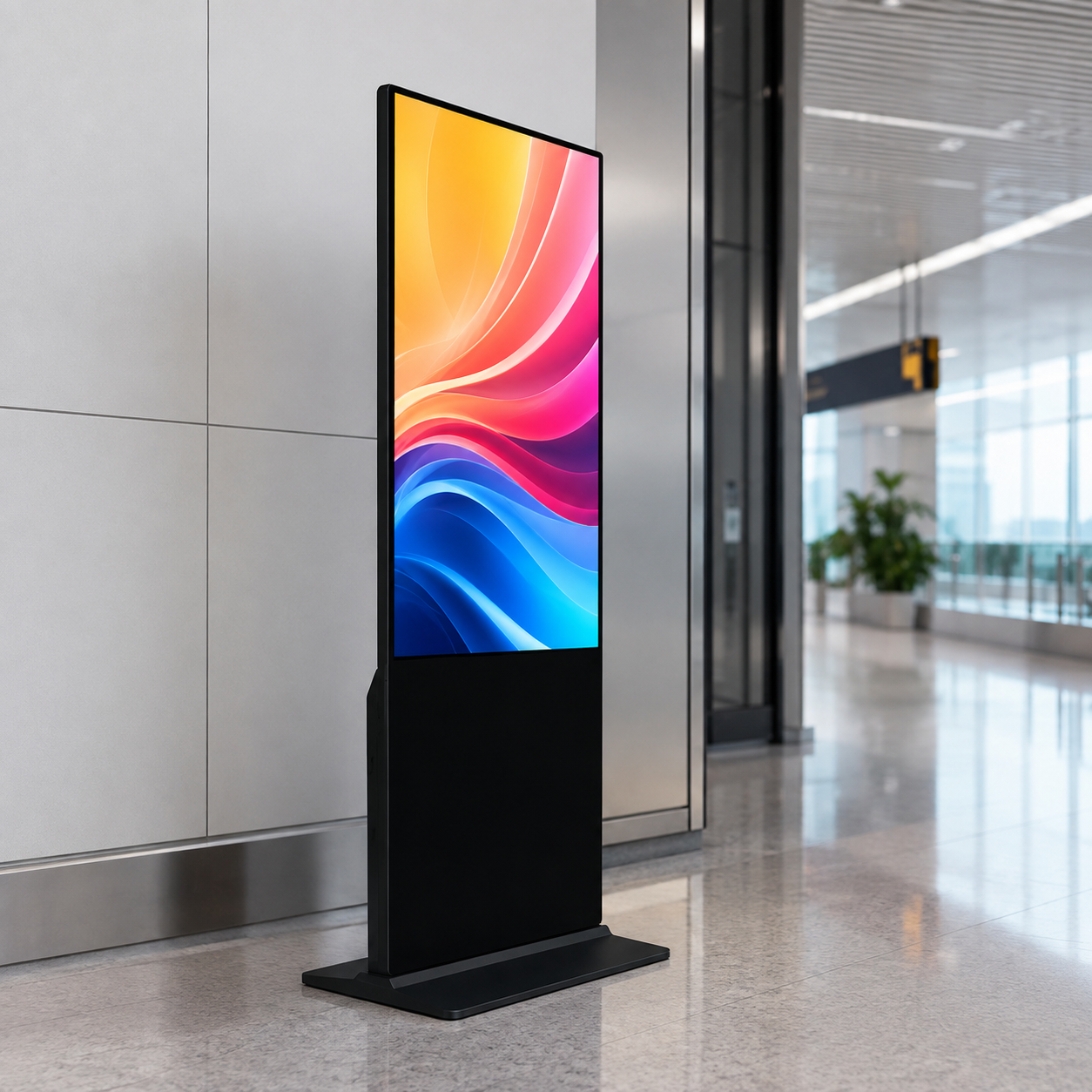

Ai Digital Human Display Footprint Sizing is the decision framework examined in this guide. The sections below turn sourced evidence into practical comparison criteria without overstating what the available research can prove.
Digital Human Kiosk Installation Requirements: The Physical Layer Behind the Avatar
Digital human kiosk installation requirements are the steel, power and enclosure work that keeps a transparent OLED avatar alive and compliant in a venue. This is the build layer around the display — not the network or the content schedule, which Plandrix’s existing AI HoloBox deployment guides already cover. Getting AI display footprint sizing and mounting right first avoids rework: a 77-inch transparent OLED unit commands a very different floor area, circuit and structure than a 30-inch model. Plan the physical spec before any panel ships.
For a practical vendor example, readers can review wintouchtech.com.
AI Display Footprint Sizing: Interaction Distance Drives the Spec
Choose AI display footprint sizing by interaction distance first, not by screen inches alone. Transparent OLED digital human screens are built primarily in 30, 55 and 77-inch sizes, and the correct size depends on interaction distance, available space, mobility, desired avatar presence and budget [2]. Closer touch/semi-transaction zones suit smaller panels; lobby and wayfinding deployments with several meters of standoff need the larger presence.
| Unit | Typical dimensions | Interaction distance | Approximate footprint |
|---|---|---|---|
| 30-inch transparent OLED | Compact portrait build | 0.6 – 1.5 m | Small floor plate, counter or base mount |
| 55-inch transparent OLED | Mid-tall portrait | 1 – 3 m | Modest base plate for lobby/counter |
| 77-inch transparent OLED | Large portrait | 2 – 5 m | Wide base plate, needs secure floor fixing |
Rule of thumb: the panel should appear full-body to the average viewer at the designed interaction distance. If that distance is short, a 77-inch build is not just overkill — it forces a bigger footprint, heavier structure and higher power draw than the use case warrants.
Wall-Mount vs Floor-Standing: Choosing the Mounting Structure
Digital signage mounting structure requirements differ sharply between wall-mounted panels and base-mounted, floor-standing builds. A wall mount puts the kiosk at the right height for a seated or standing viewer and frees floor space, but it transfers all weight into the wall structure and needs verified stud/bracket capacity before installation. A floor-standing or base-mounted build carries its own steel frame, spreads load across a floor plate, and is easier to relocate — at the cost of floor footprint.
Weigh these requirements in the mounting decision:
- Wall-mount: verify wall construction (concrete vs metal stud), bracket weight rating, and cable raceway routing before committing the panel.
- Floor-standing/base-mounted: the steel frame must bear the display weight, withstand tip-over forces in high-traffic or public areas, and satisfy local seismic restraint rules where required. Bolt-down or weighted-base restraint is the standard safeguard where children or crowds are expected.
When in doubt and the venue is transient, choose base-mounted. When the location is permanent and the wall can take the load, wall-mount frees the most floor area.
What Power Does the Kiosk Actually Draw? Building the Power Budget
Build a freestanding kiosk power budget from three loads — panel, compute, and thermal management — rather than trusting a single nameplate number. The documented transparent-OLED digital human hardware draws under 150W for the 30-inch unit, under 200W for the 55-inch, and under 600W for the 77-inch build [2]. Edge-AI inference for the avatar sits on top of panel draw, and the cooling that keeps a SoC within spec adds a further load.
Size the protected circuit with headroom: sum panel + compute + estimated thermal, then add 20–25% margin and verify the outlet, breaker and conductor rating on that total, not on the panel alone. Dedicated 15A or 20A circuits are typical for larger builds; never share a circuit carrying unknown equipment loads. Device power figures vary by SKU and market, so confirm the specific unit’s spec sheet before finalizing the budget.
Designing the Kiosk Enclosure: Sheet Metal, Tempered Glass and Thermal Management
Kiosk enclosure design specifications for digital humans pair a sheet-metal body with a tempered-glass front so the panel reads transparent while the electronics stay protected and secure. Ingress protection becomes the deciding factor for outdoor or semi-outdoor builds: a weather-sealed enclosure rated for the exposed environment holds out dust and rain, while a purely indoor unit can run a lighter, better-ventilated housing. Select the ingress rating against the destination environment explicitly, since the needed protection changes by market and mounting location.
Thermal management is the part integrators most often under-budget. A sustained edge-AI workload throttles when heat builds, and throttling shows up as a stuttering avatar in front of customers. Enclosure design must move heat away from the compute so the unit holds sustained interaction loads without performance loss. This is why the sheet-metal body and cooling layout are engineering decisions, not cosmetic afters — they define how long the kiosk can run at full AI load.
When the Venue Is Hostile: Outdoor and High-Traffic Install Engineering
Outdoor and high-traffic sites demand outdoor kiosk power and enclosure engineering beyond the base build: weather sealing, tip-over restraint and a wider operating-temperature range. Plandrix’s industrial display reference documents continuous operation across -30°C to +50°C for ruggedized builds, and we treat that range as a dependency — it applies where the unit and its thermal management are built and rated for it, not to every transparent-OLED unit [1]. Bolt-down restraint and weather-sealed enclosures are required where children, wheeled traffic or weather is in play.
For drive-through and true outdoor kiosks, combine the temperature-rated thermal build with a weather-sealed, ingress-rated enclosure and a grounded, bolted base. Confirm the operating envelope against the install climate before purchase; a unit built for a climate-controlled lobby is not a drop-in for a sun-exposed fast-food lane.
Site Survey Checklist: What to Verify Before You Commit
Attach a physical-layer site survey to the deployment checklist Plandrix’s site-survey guide already owns. Verify each item before committing the panel:
- Floor loading — confirm the floor slab takes the kiosk’s steel-frame weight, especially for 55-inch and 77-inch builds.
- Available power — measure the circuit, breaker and conductor pulled to the install point against the power budget.
- Sightline and ADA clearance — check interaction reach, wheelchair clearance and egress pathways are unobstructed.
- Wall structure — for wall-mounts, verify concrete or stud construction and bracket weight rating.
- Cable raceway — confirm a clean path for power and video cable from source to panel.
- Operating temperature — confirm the venue’s ambient range sits inside the unit’s rated envelope.
Run these against a network-layer site survey (bandwidth, latency) so power, structure and connectivity are all verified before the panel ships.
FAQ: Digital Human Kiosk Installation
How much floor space does a digital human kiosk need? AI display footprint sizing depends on the unit and its interaction distance. A 30-inch portable build can sit on a counter; a 77-inch floor-standing model needs a wide, secured base plate in a lobby or transit hall. Size the footprint to the standoff distance, not the screen alone.
Teams comparing implementation options can also consult About Wintouch, Touchscreen Manufacturer in China · Wintouch.
Do I need a dedicated power circuit for the kiosk? For larger builds, yes. A 77-inch unit alone draws under 600W, so with edge-AI compute and thermal load on top, a dedicated 15A or 20A circuit keeps the total within a protected, verifiable envelope [2].
Wall-mount or floor-standing — which is better? Wall-mounting frees floor space and suits permanent locations with strong walls. Floor-standing builds carry their own steel frame, resist tip-over in public areas when bolted down, and are easier to relocate. Choose floor-standing for transient or high-traffic venues.
Can a kiosk run outside or in a drive-through? Only with a weather-sealed, ingress-rated enclosure and thermal management rated for the full operating range, which for ruggedized builds spans -30°C to +50°C continuous operation [1]. Confirm the envelope matches your climate.
What should I verify before installation? Floor loading, available power, sightline and ADA clearance, wall structure for mounts, cable raceway, and operating temperature. Verify all of these alongside the network-layer survey before the panel ships.
Related guides
- AI Digital Human Display Deployment Planning: A Site-Survey Guide for Banks, Hotel Lobbies and Government Counters
- AI HoloBox on-device vs cloud processing architecture: A Network and Latency Guide for Deployers
- AI Digital Signage Content Strategy: A Procurement Decision Framework
Content reviewed: 2026-08-09.
Evidence confidence
Confidence: Medium. This rating reflects cross-checking 2 sources across 2 independent domains. It measures evidence coverage, not certainty; verify safety-critical work against manufacturer instructions and local requirements.
References
APA 7th edition
- ↑Cited 2 timesElpasotimes. (2026). Beyond the Loop: How MWE Display Is Building. https://www.elpasotimes.com/press-release/story/128274/beyond-the-loop-how-mwe-display-is-building-the-hardware-foundation-for-ai-driven-digital-signage-in-2026/.
- ↑Cited 3 timesDisplayman. (n.d.). Transparent OLED AI Digital Human Screens. Retrieved August 9, 2026, from https://displayman.com/transparent-oled-ai-digital-human-screen/.
You should also read:

Kiosk AI Accelerator Sizing: Compute Headroom vs Cost for Voice and Facial Recognition
Kiosk AI accelerator sizing (compute headroom vs cost) is the decision that separates a deployable edge system from a box that stalls at launch. When voice ordering, facial-recognition check-in, and loss-prevention vision ship together in one kiosk, the sizing question is not “how many TOPS…
Continue reading...
SoC Choice for AI Digital-Human Displays: Balancing Compute Headroom Against Memory Cost
Why the SoC and memory choice decides whether your AI display runs on-device The SoC choice for AI digital-human displays comes down to one trade: how much compute headroom you buy against how much you pay for the memory that feeds it. A conversational AI…
Continue reading...
AI Digital Signage Content Strategy: A Procurement Decision Framework
Why the AI Architecture Choice Comes Before the Site Survey In any digital signage deployment, the AI architecture decision precedes the site survey: choose where inference runs before you spec a single panel, because that choice drives the processor, memory, and connectivity your whole fleet…
Continue reading...